
 English
 Polski
 Deutsch
 Nederlands


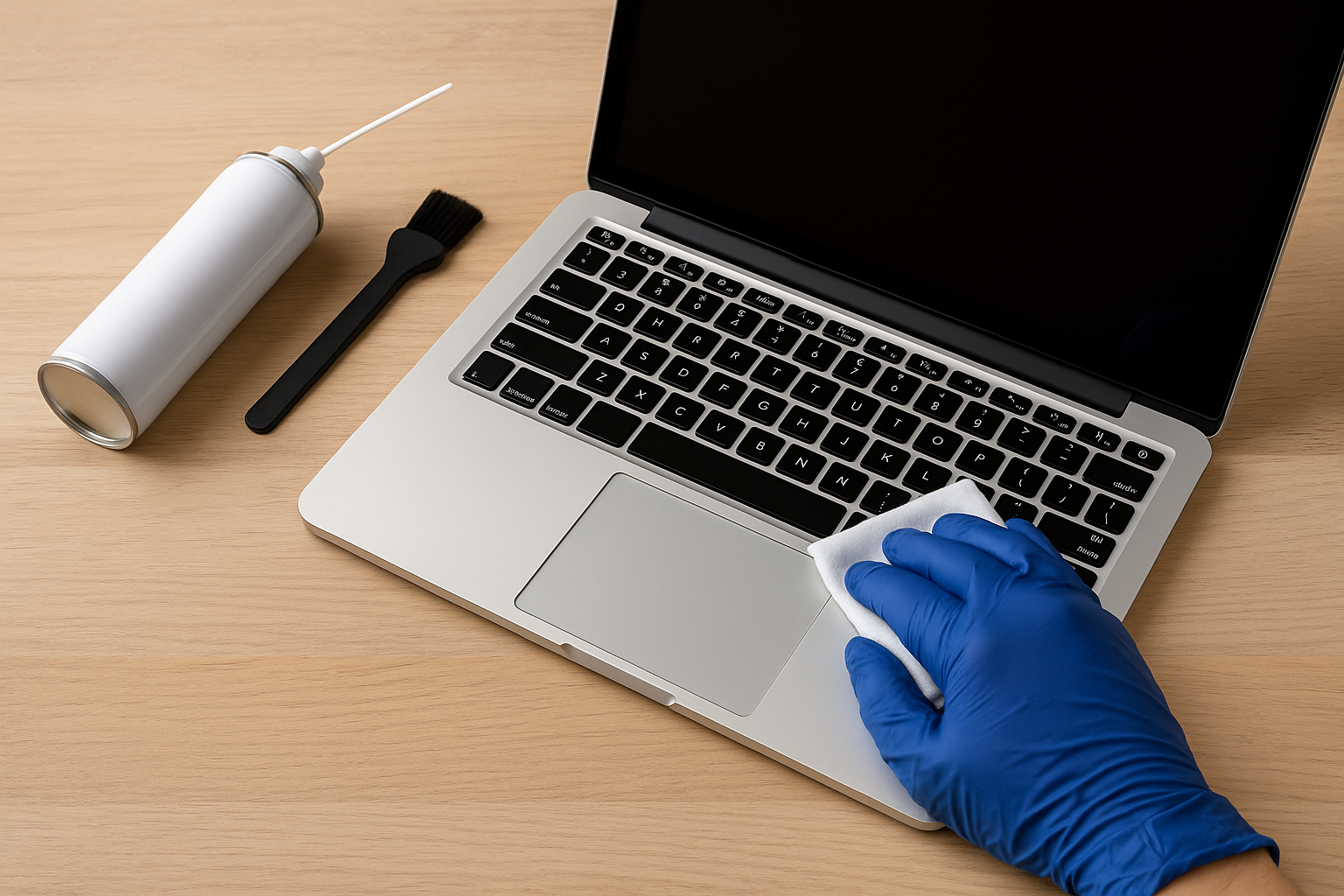
A Clean Laptop Is a Happy Laptop – Simple Steps to Keep Your Device in Top Shape
A Clean Laptop Is a Happy Laptop – Simple Steps to Keep Your Device in Top Shape
Daily laptop use quickly leads to a build-up of dust, fingerprints, and crumbs. Even if you take good care of your equipment, after just a few days your screen and keyboard can start looking neglected.
That’s why developing the habit of regularly cleaning your computer is a must—not only for aesthetics, but also for hygiene and functionality. Dust trapped between keys can interfere with their performance, and a dirty screen significantly reduces your comfort while working or enjoying content.
Step-by-Step Guide to Cleaning Your Laptop
1. Shut Down and Unplug the Device
Always begin by turning off your laptop and unplugging it from any power sources to avoid the risk of short circuits.
2. Use the Right Tools
Prepare soft microfiber cloths, cotton swabs, compressed air, and an alcohol-based screen cleaning solution. Avoid harsh chemicals or paper towels, which can scratch surfaces.
3. Clean the Screen
Spray the cleaning solution onto a cloth (never directly onto the screen). Wipe gently in circular motions to remove smudges and dust.
4. Clean the Keyboard
Use compressed air to blow out debris from between the keys. Follow with a slightly damp cloth and, for stubborn grime, gently rub with a cotton swab soaked in alcohol.
5. Wipe the Exterior
Don’t forget the laptop casing. Use a microfiber cloth with a bit of mild cleaner to wipe the surface. Pay attention to ventilation areas.
6. Regular Maintenance
Repeat this cleaning routine weekly or as needed to maintain cleanliness, prevent buildup, and extend your device’s lifespan.
Keeping your laptop clean boosts its performance, ensures hygiene, and makes everyday use more enjoyable. With a few basic tools and a little time, your laptop will stay as fresh and functional as the day you bought it.


